Developer resources
MusicEPs MCP
Bring our electronic music catalog into your assistant. Look up releases, discover artists and find upcoming events with the Model Context Protocol.
Connection URL
OAuth sign-in · Read-only catalog tools · Streamable HTTP
https://www.musiceps.com/mcpSign in with your MusicEPs account and approve the connection. Tools respect your account’s permissions. They do not create orders, change catalog entries or access payouts.
Connect your assistant
Use a client that supports remote MCP and OAuth. Availability depends on your plan and workspace settings.
- Open Claude’s Customize → Connectors (or Settings → Connectors, depending on your version) and choose Add custom connector. For a shared workspace, an owner adds it in Organization settings → Connectors.
- Name it MusicEPs and paste the connection URL above as the remote MCP server URL.
- Add the connector, connect it, then sign in to MusicEPs and select Approve.
- Enable MusicEPs in a conversation and ask the catalog question below.
If custom apps or connectors are unavailable, your workspace administrator may need to enable them.
Claude connector documentationA catalog question, answered
Live catalog data in an illustrative assistant response—not an AI chat or an MCP connection test.
You
What are the three latest MusicEPs releases? Include the artist, genre and a link to each release.
Example assistant response
Here are the newest published releases in the MusicEPs catalog, ordered by release date:
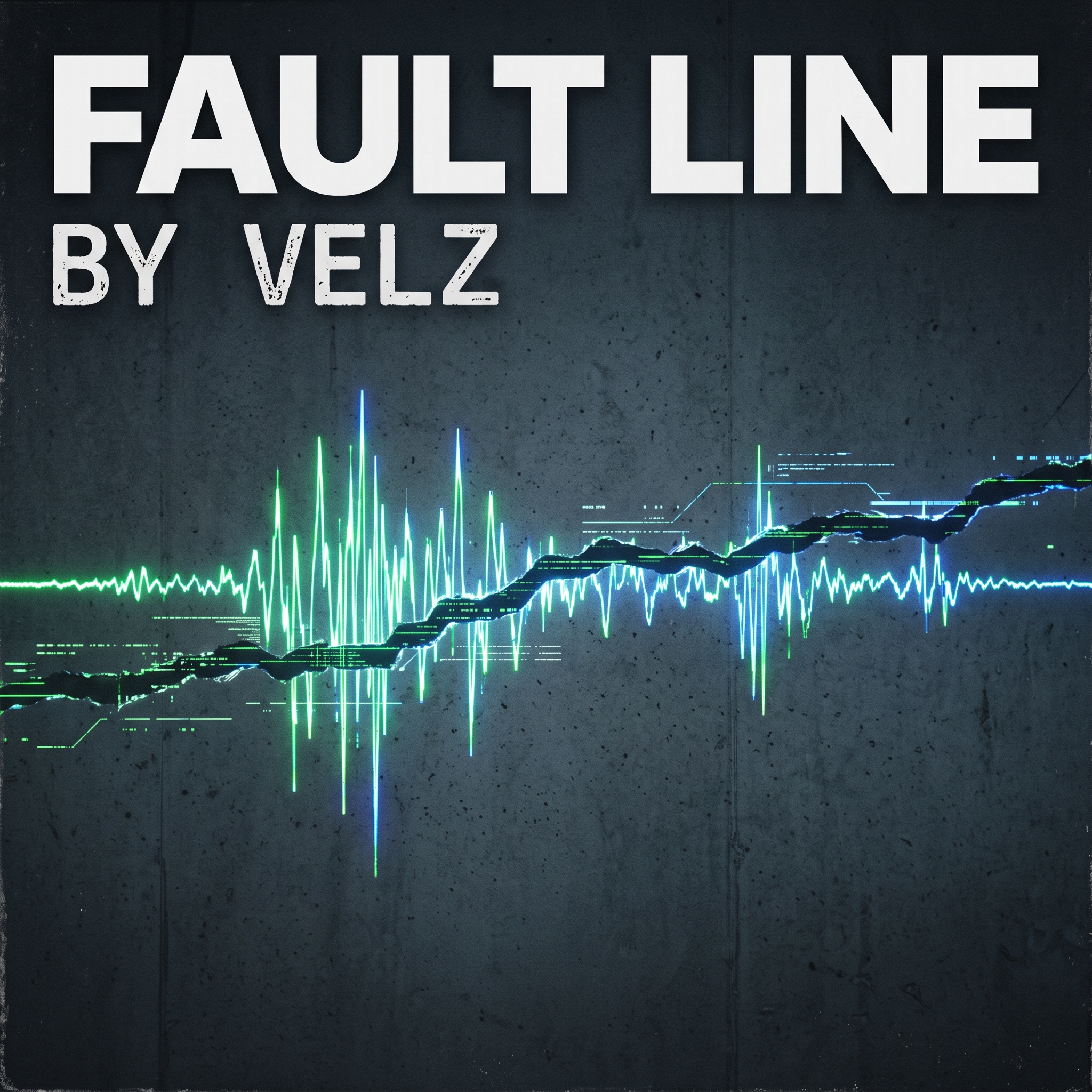
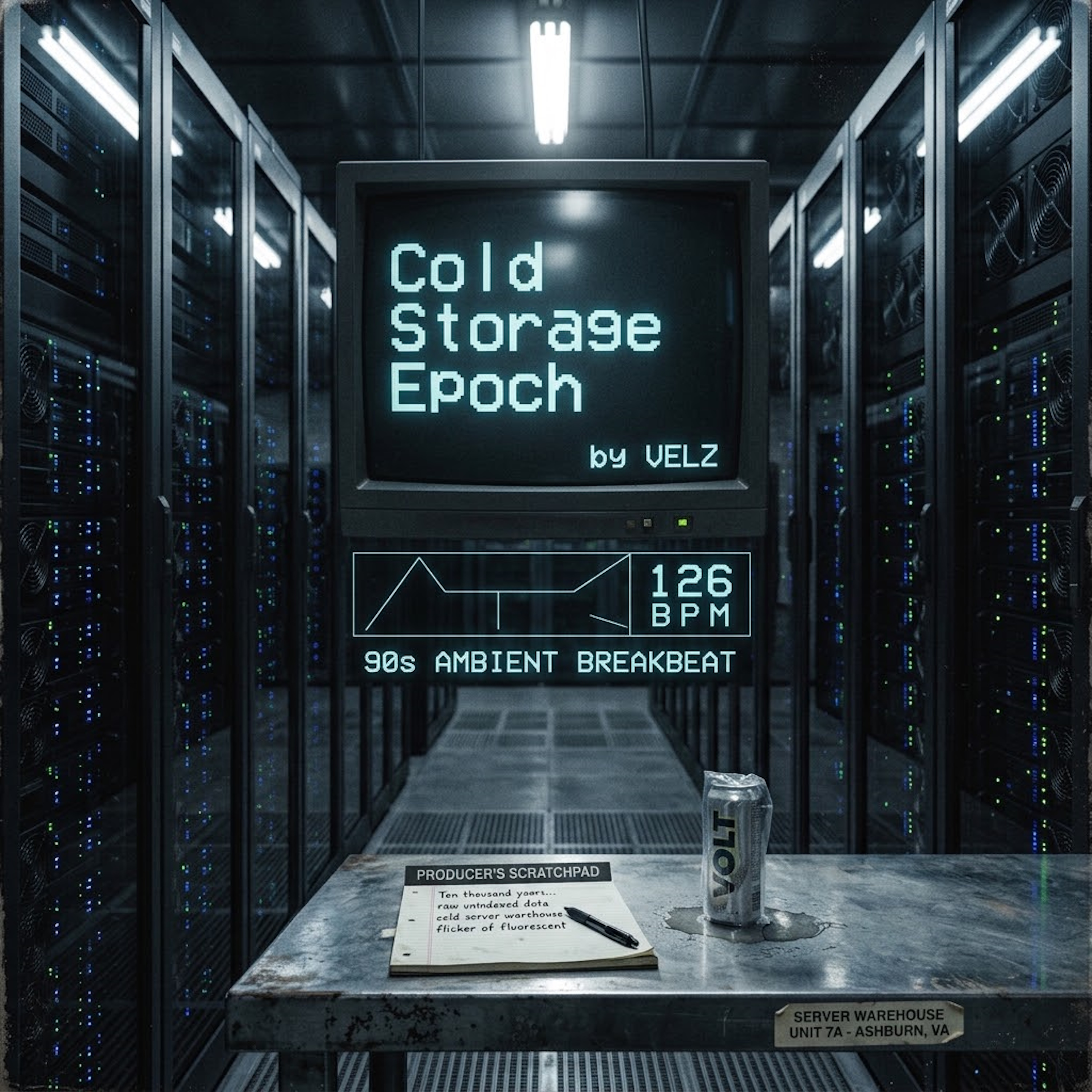

Equivalent tool call: list_releases({"limit":3})
Available tools
- list_releases
- Published releases with artist, genre, date, description, cover, release link and track player links. Optional
querymatches title or artist;limitis 1–50 (default 20). - list_tracks
- Find tracks by title or
releaseIdand get aplayUrl. Open the link, then press Play in the MusicEPs player; playback is not inside the assistant. Optionallimitis 1–50 (default 20). - list_artists
- Published artists with biographies and music links. Optional
limitis 1–50 (default 25). - list_events
- Upcoming events, soonest first. Set
includePastto true for past events too;limitis 1–50 (default 20).
Use OAuth rather than pasting session tokens or API keys. If authorization fails, reconnect the app in your assistant. For persistent connection problems, contact MusicEPs.
Public catalog API (no login)
Tools and scripts that cannot complete OAuth can read the same published catalog over plain HTTP, with no account or API key. It is read-only and returns only published content — never orders, payouts or account data.
GET https://www.musiceps.com/api/public/catalog?type=releases
type is one of releases, artists, events or tracks. Optional parameters: query (text search), limit (1–50, default 20) and includePast=true for events. Responses are JSON and cross-origin requests (CORS) are allowed.
curl "https://www.musiceps.com/api/public/catalog?type=releases&limit=3"

{
  "releases": [
    {
      "title": "Fault Line",
      "artist": "Velz",
      "genre": "Electronic",
      "url": "https://www.musiceps.com/releases/fault-line",
      "tracks": [{ "title": "Cold Storage Epoch", "playUrl": "https://www.musiceps.com/play/..." }]
    }
  ]
}
For the full tool set with sign-in, use the MCP connection above instead.